Introduction to High-Performance Workspace DesignDesigning a home office is far more than just placing a desk in an empty corner and plugging in a laptop. In the modern working landscape, the home workspace has evolved into a critical hub of personal productivity, creative output, and professional development. To sustain focus over long hours, prevent physical strain, and cultivate inspiration, your environment must be meticulously engineered. A high-performance home office balances the rigid demands of ergonomic science with the subtle nuances of interior design psychology. When you curate a space that intentionally addresses lighting, spatial movement, acoustic comfort, and organization, you drastically reduce cognitive friction. This comprehensive guide will walk you through every phase of building an elite workspace tailored precisely to your cognitive and physical needs.Many remote professionals struggle with fatigue, creative blocks, and chronic back pain simply because their workspace was compiled haphazardly. By executing a deliberate design strategy, you can turn your daily workflow into a seamless, energized experience. Let us dive into the systematic steps required to transform your available space into a beautiful powerhouse of productivity.
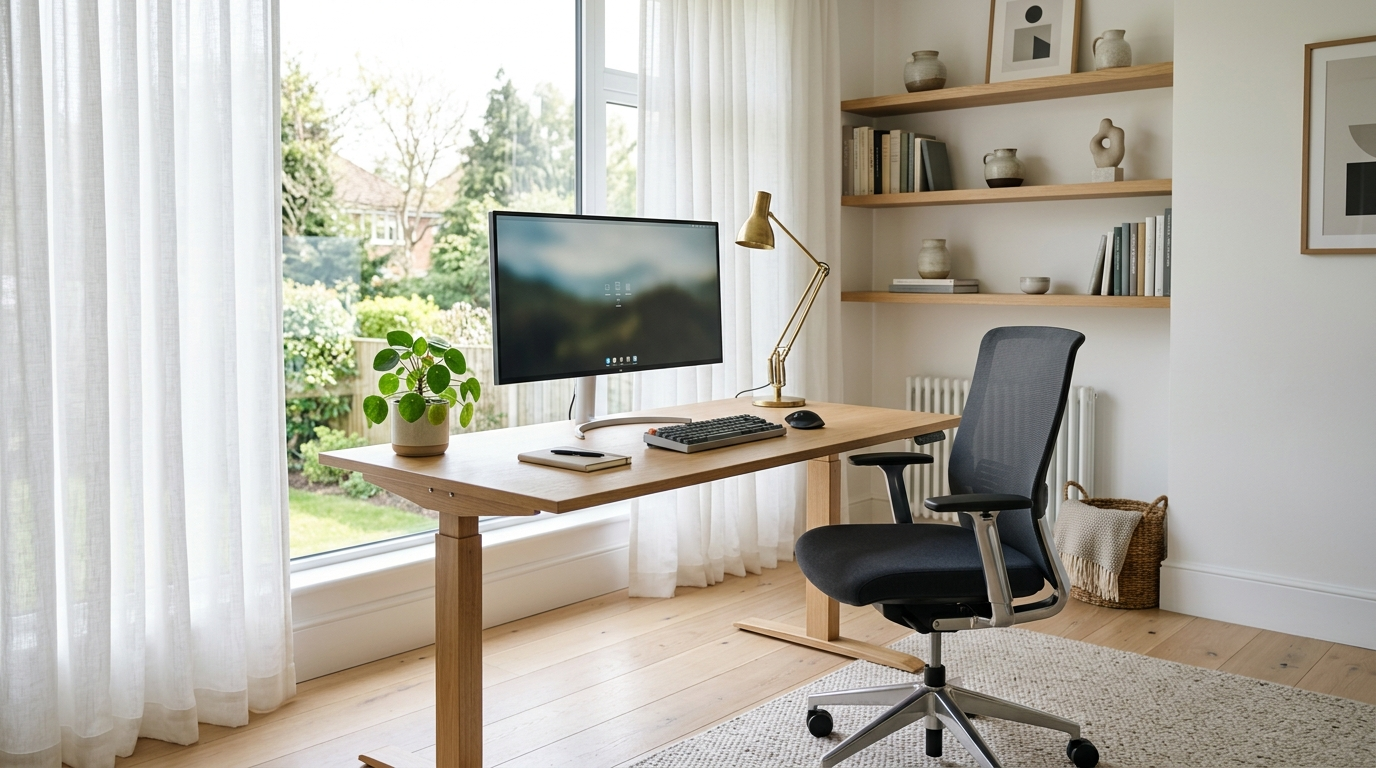
Step 1: Assessing Space, Orientation, and Natural LightThe physical location of your home office determines your base level of focus. Before buying furniture, analyze the structural layout of your home. If possible, select a dedicated room with a door to establish a definitive psychological boundary between your professional responsibilities and personal life. If a separate room is unavailable, utilize architectural features like alcoves, or implement structural room dividers to define the zone. Pay close attention to natural lighting patterns throughout the day. Natural daylight is an incredible asset for mood regulation and alertness, but poorly positioned windows can create debilitating screen glare and eye strain.Position your desk relative to the window using a perpendicular layout. Placing your desk directly facing a window can cause visual fatigue due to the high contrast between your screen and the bright sky, while sitting with your back to a window creates direct reflections on your display. By placing the desk at a ninety-degree angle to the light source, you receive soft, ambient illumination across your workspace. Consider installing sheer linen curtains or adjustable solar shades to diffuse intense afternoon sunlight, maintaining a balanced environment regardless of the weather outside.
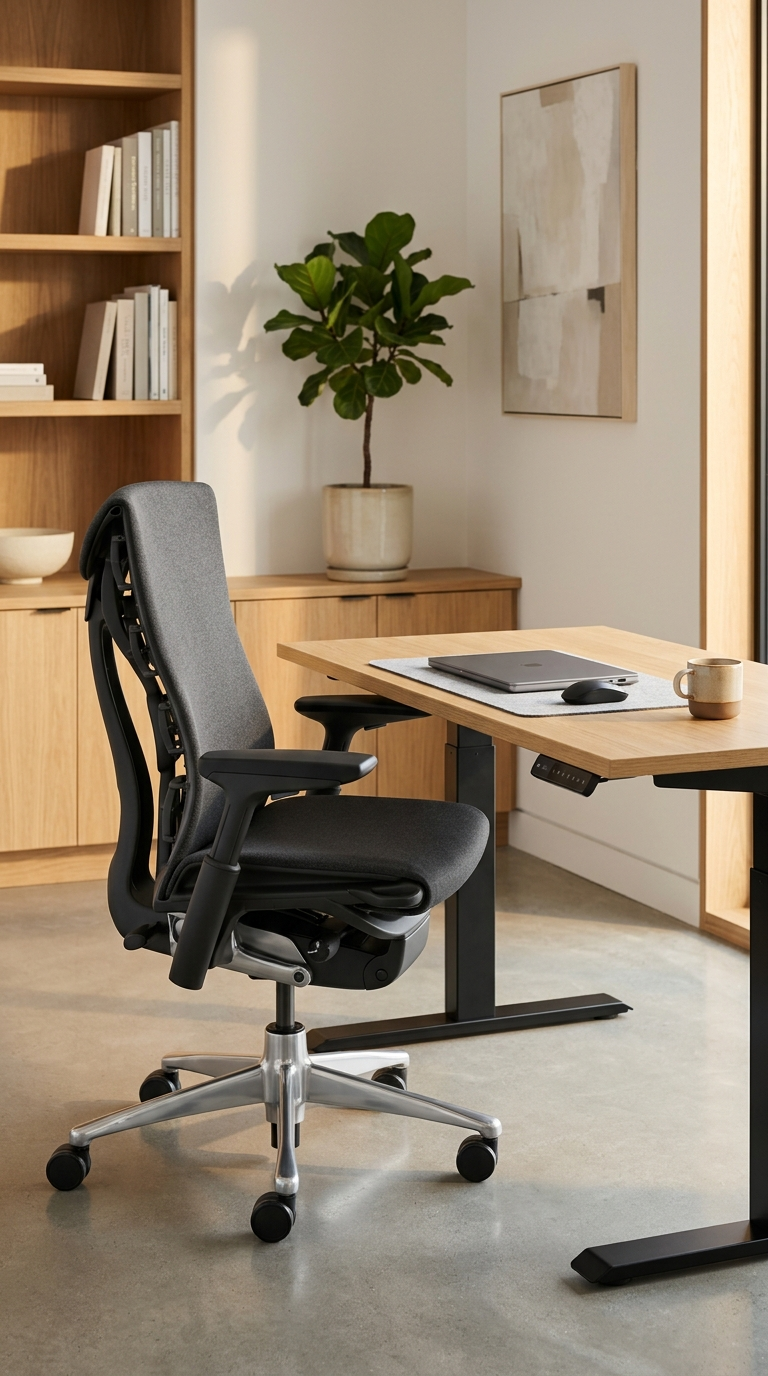
Step 2: Investing in Elite Ergonomic FurnitureYour chair and desk are the foundational pillars of your physiological health during the workday. Standard dining chairs or fashion-forward accent seating lack the anatomical support required for prolonged sitting, leading to poor posture, compressed spinal discs, and muscular tension. An elite ergonomic task chair should feature fully adjustable lumbar support that adapts to the natural curvature of your lower spine, adjustable armrests that allow your shoulders to remain relaxed, and a pneumatic seat height adjustment that ensures your feet rest completely flat on the floor with your knees at a ninety-degree angle.Pair your seating with an adjustable sit-to-stand desk. Alternating between sitting and standing throughout the day boosts metabolic rate, improves blood circulation, and prevents static muscle loading. When adjusting your desk height, your elbows should form a comfortable ninety-to-one-hundred-and-ten-degree angle when resting your hands on the keyboard. Your monitor should be positioned exactly an arm’s length away, with the top third of the screen sitting right at eye level. This configuration keeps your neck in a neutral position, completely eliminating the need to tilt your chin downward or upward, which is the primary cause of modern workspace neck tension.
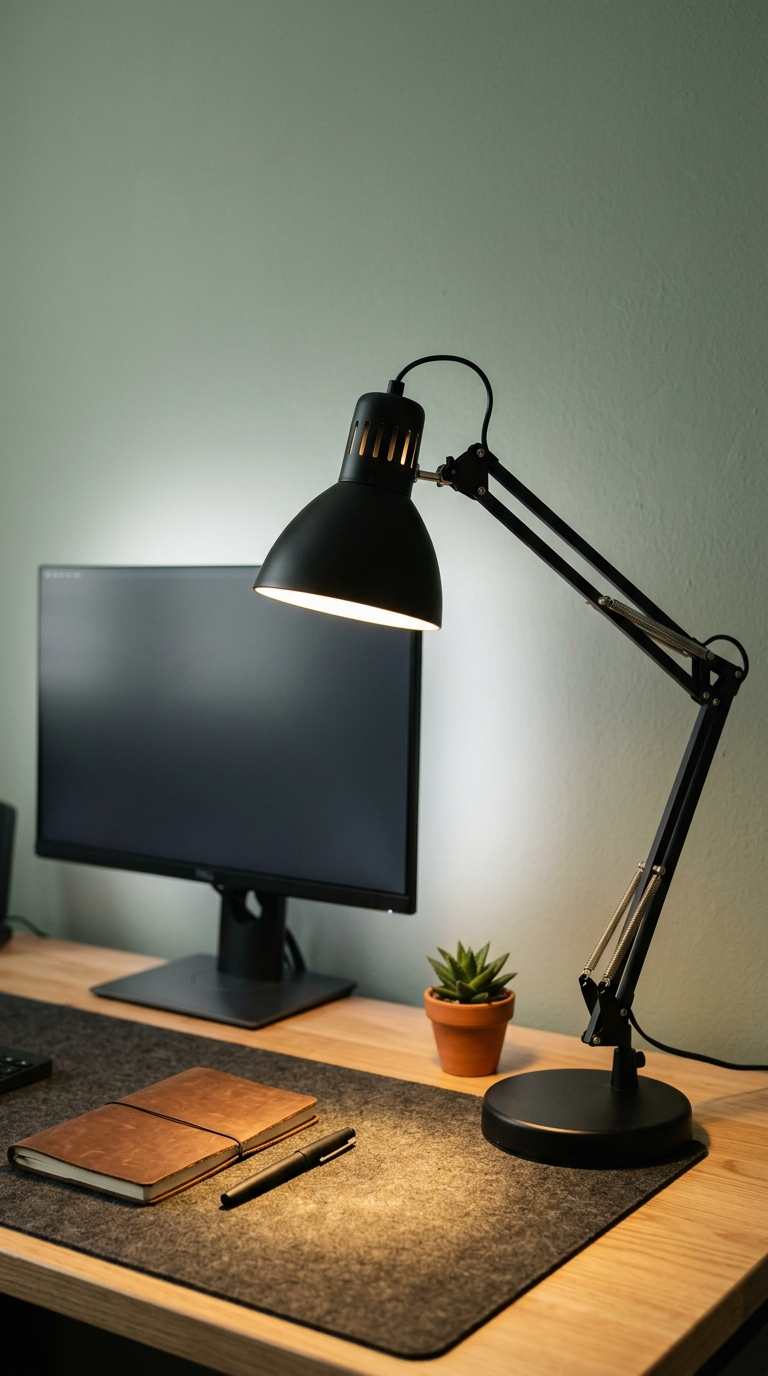
Step 3: Creating a Layered Artificial Lighting SchemeRelying solely on a single overhead residential light fixture causes harsh shadows, forces your eyes to overcompensate, and contributes to afternoon headaches. A truly professional home office requires a highly intentional, three-tiered artificial lighting plan consisting of ambient, task, and accent illumination. Ambient lighting provides the base layer of light throughout the entire room, best achieved through diffused flush-mount fixtures or recessed ceiling spotlights equipped with high-quality LED bulbs emitting a warm-white color temperature of approximately three thousand to four thousand Kelvin.Task lighting is next, focusing high-intensity illumination precisely where your active work occurs. An adjustable architect-style desk lamp with a flexible articulated arm allows you to direct light exactly onto documents or reference materials without casting reflections on your computer screens. Finally, introduce accent lighting to create depth and visual warmth. Installing subtle LED light strips behind your monitor setup creates a soothing bias light effect, which dramatically reduces eye strain by softening the contrast between the brilliant monitor display and the dark wall behind it. Incorporating warm light inside bookshelves adds architectural sophistication, transforming a stark office into a sanctuary.By selecting smart bulbs that adjust their color temperature automatically throughout the morning and afternoon, you can mirror the natural progression of daylight, keeping your energy high during peak hours and gently winding down your circadian rhythm as evening approaches.
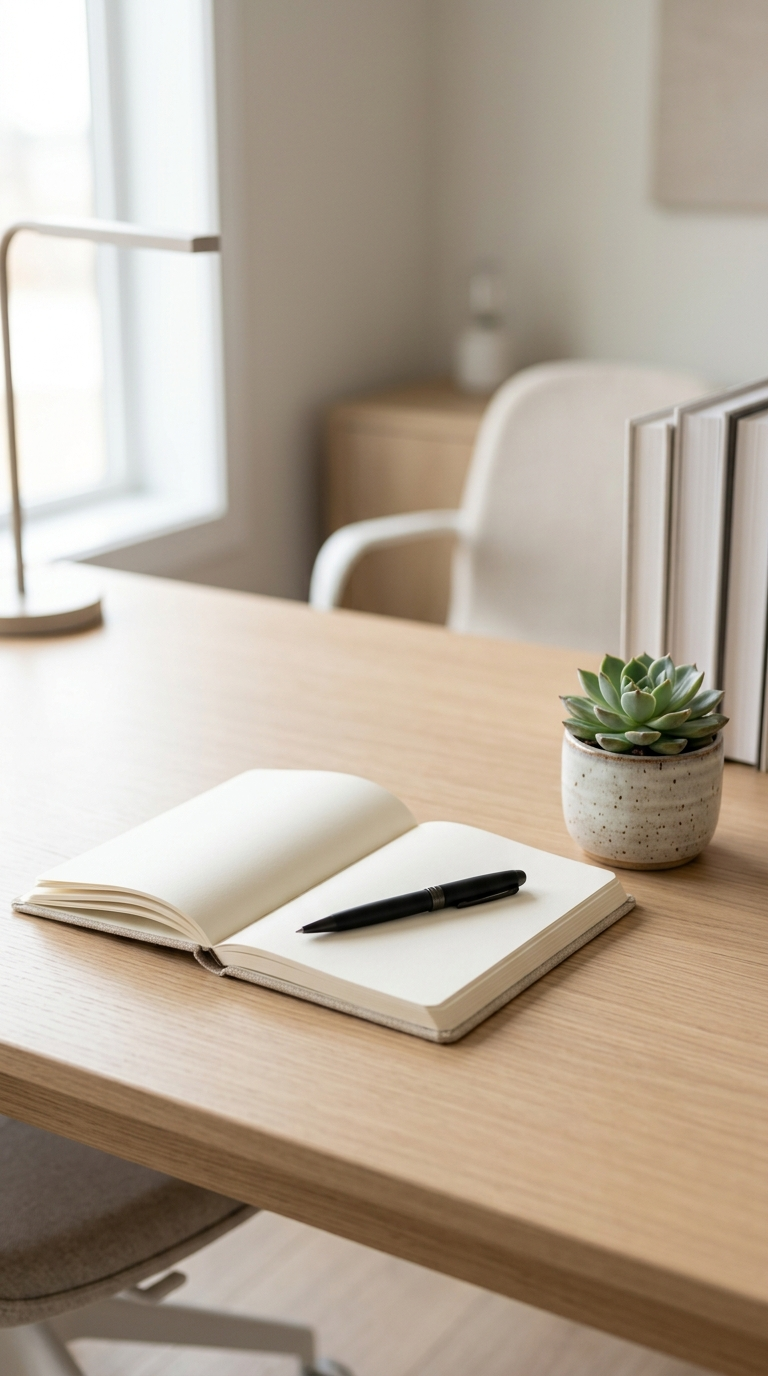
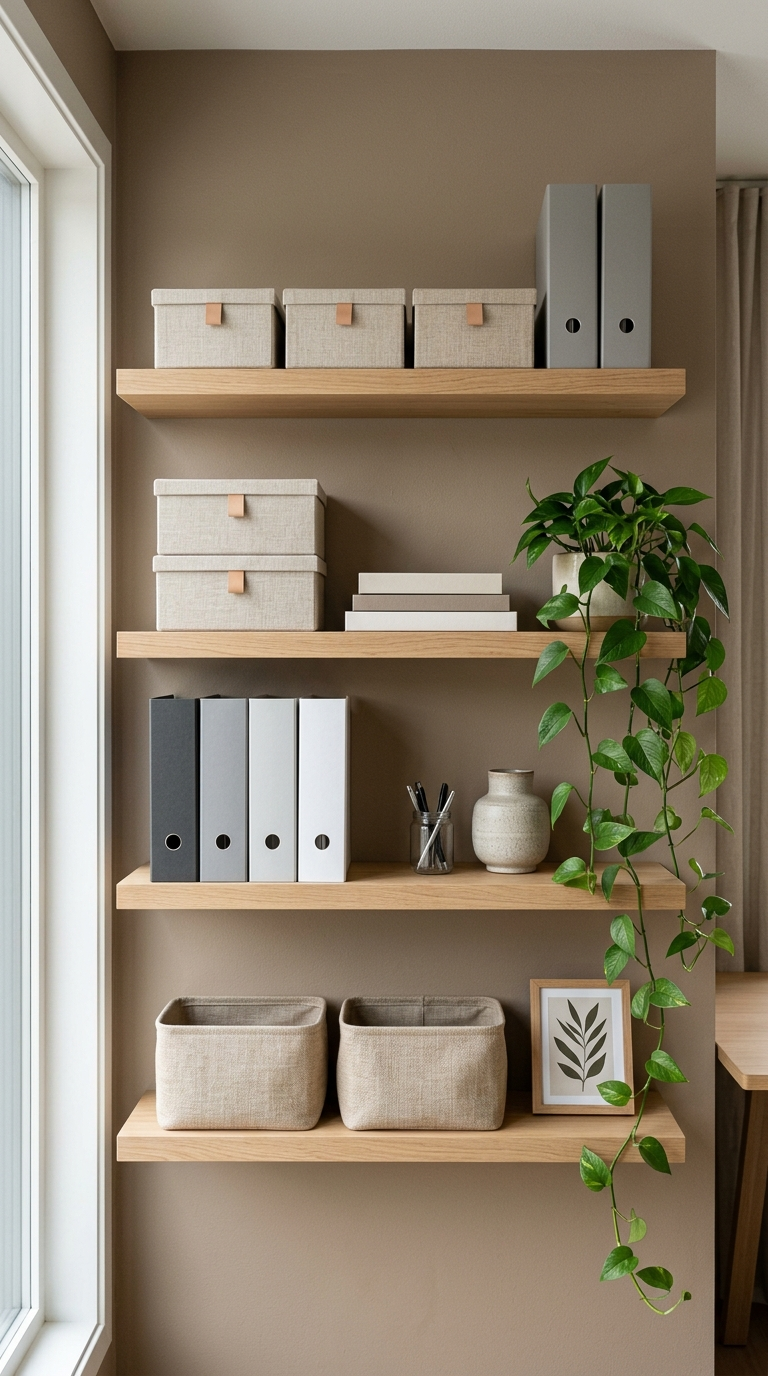
Step 4: Smart Storage and Clutter Management SystemsA cluttered desk acts as a constant visual distraction, fragmenting your attention span and increasing baseline stress levels. To maintain a clear mind, you must implement a robust storage infrastructure that removes unnecessary items from your immediate line of sight. Start by evaluating your daily workflow to categorize items into two distinct groups: active tools and archival materials. Active tools, such as your daily notebook, immediate project folders, and writing instruments, should reside within arm’s reach inside top desk drawers or organized inside a sleek, minimalistic desktop tray.Archival materials, including historical tax documents, completed project files, and secondary tech cables, belong in designated storage units away from the primary desk zone. Utilize vertical wall space by installing floating timber shelves or modular pegboard systems. These options maximize the storage footprint of smaller rooms without encroaching on floor space. Invest in high-quality decorative storage boxes, woven baskets, or matte-finished binders to conceal unsightly paperwork and loose items. By giving every single item an absolute, dedicated home, cleaning your workspace at the end of each workday becomes an effortless, five-minute routine that prepares your mind for relaxation.
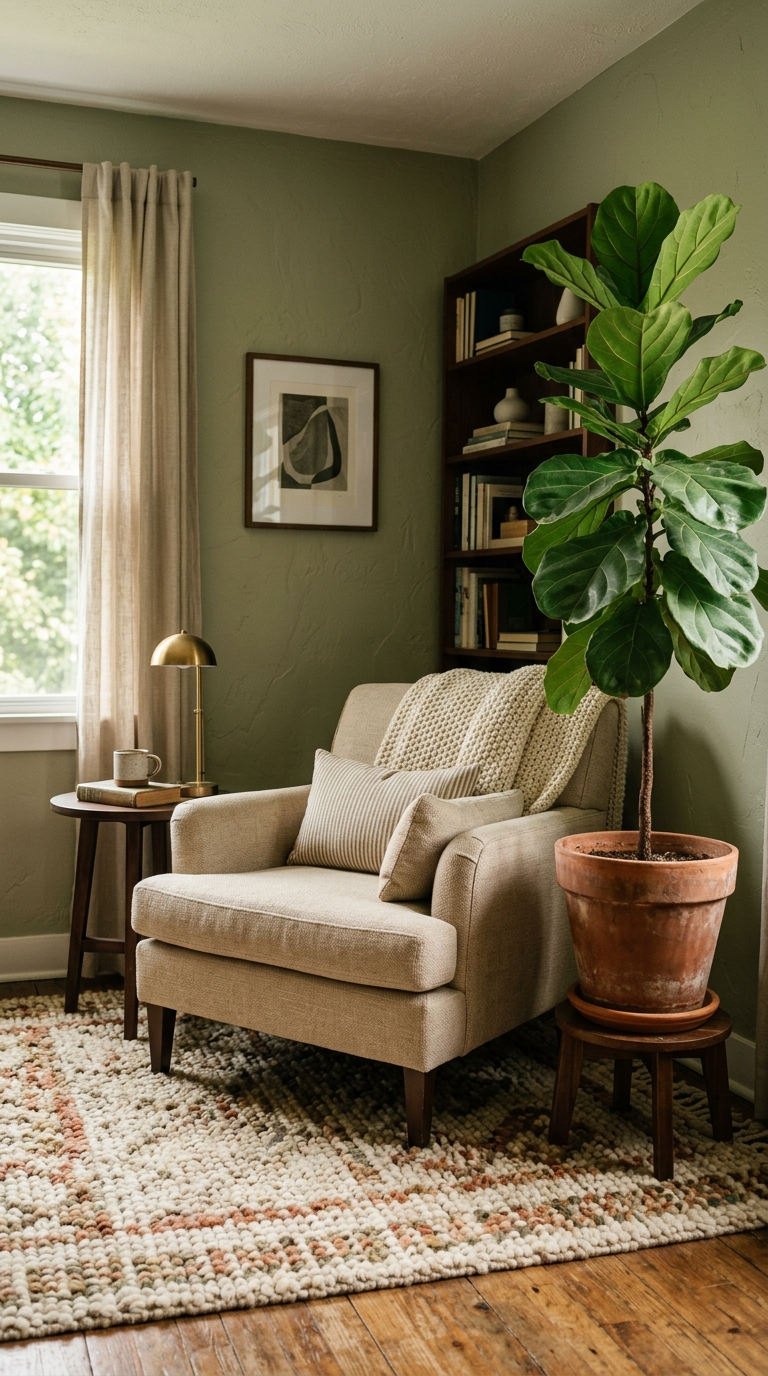
Step 5: Personalization via Textures and Color PsychologyWhile functionality is imperative, an sterile environment can sap your creative energy. Personalizing your workspace using strategic color theory and rich tactile elements fosters a deep sense of ownership and emotional comfort. When choosing a paint color or primary decor palette, look to color psychology to drive your desired state of mind. Soft, muted greens and sage tones promote tranquility and emotional balance, making them exceptional choices for high-stress professions. Gentle blues stimulate intellectual thought, focus, and clarity, while warm earthy neutrals like terracotta, beige, and warm taupe ground the room and create a welcoming environment.Incorporate a variety of natural textures to soften the hard, cold surfaces of electronic office gear. Layer a plush wool area rug underfoot to define the zone and improve acoustic qualities by absorbing sound reflections. Introduce indoor plants, such as a resilient snake plant, a dramatic monstera, or a delicate peace lily; plants not only scrub impurities from indoor air but also provide a proven psychological boost, lowering cortisol levels through biophilic connection. Display curated artwork, personal travel photographs, or inspiring ceramic sculptures on your shelving to create points of visual interest that spark fresh ideas during mental breaks.
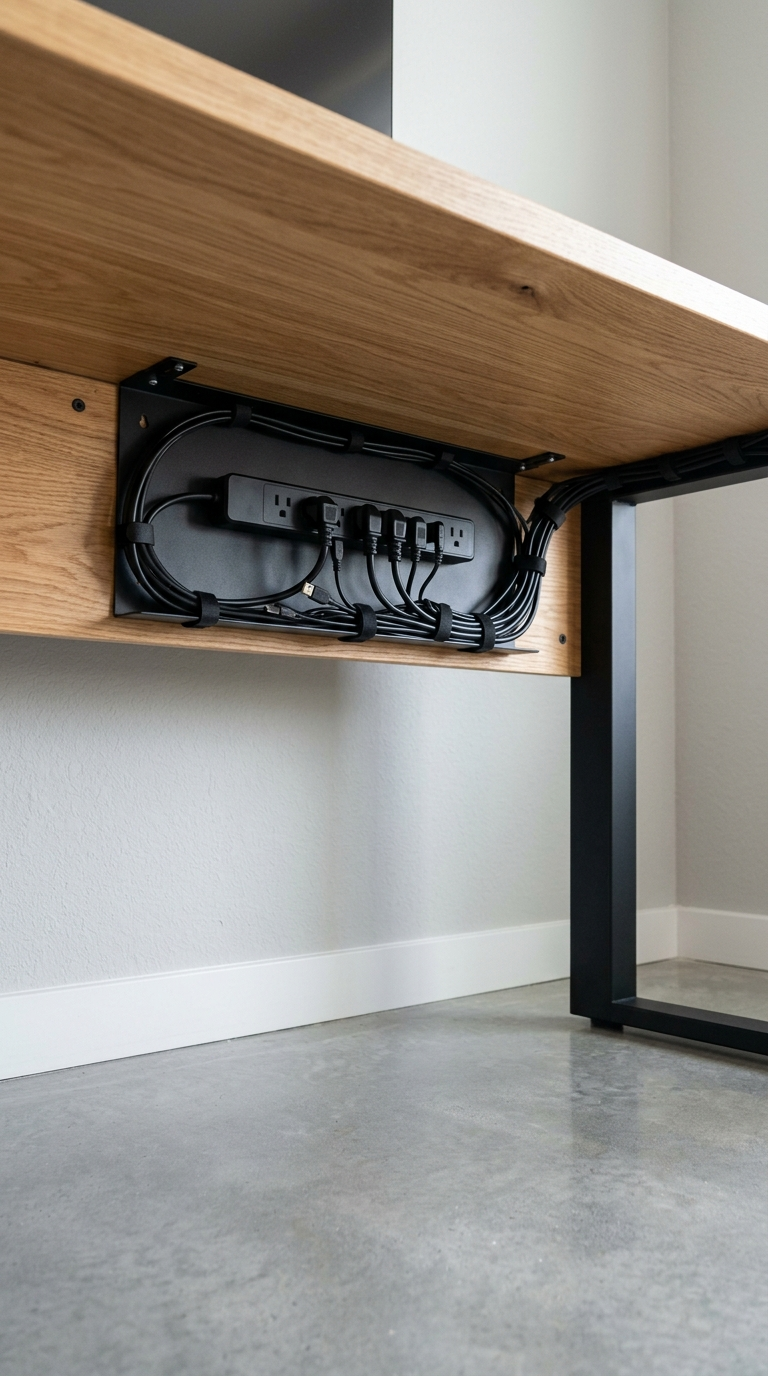
Step 6: Advanced Tech Integration and Cable ManagementA beautiful office design can be completely undermined by a chaotic tangle of black cords, power strips, and chargers drooping beneath your desk. Managing your technology infrastructure is the crucial final step in completing a high-end home office. Begin by mounting a heavy-duty under-desk cable management tray or raceway to the underside of your desktop. Gather all power bricks, surge protectors, and long cables, securing them neatly inside the tray using reusable hook-and-loop fabric straps or zip ties. This keeps all wires completely off the floor, facilitating easy vacuuming and creating a incredibly clean, minimalist aesthetic.For devices sitting on top of your desk, utilize wireless peripherals where possible, such as a wireless ergonomic mouse and mechanical keyboard. For items that require wired connections, route the cables neatly through integrated desk grommets or secure them along the back edges of desk legs using adhesive cable clips. Implement a dedicated charging station for your secondary mobile devices and tablets, keeping them powered up without cluttering your primary writing zone. By streamline your technology layout, you clear away physical clutter and remove the mental static that accompanies a chaotic environment, finalizing a workspace designed for pure professional excellence.
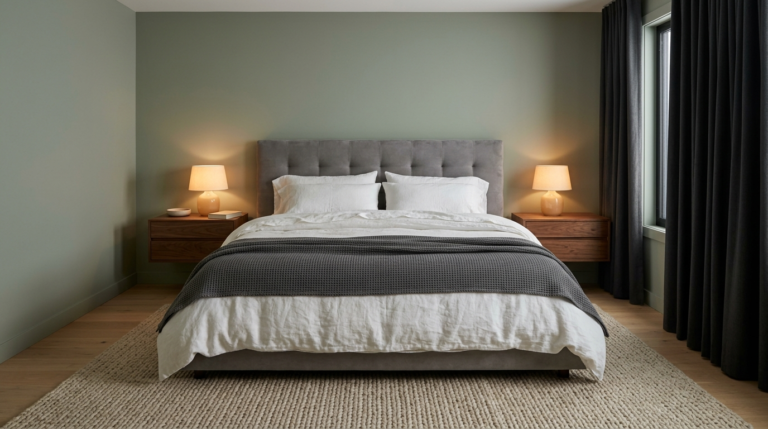
Struggling to achieve that perfect minimalist bedroom? Learn the 7 most common decor mistakes to avoid for a clean, serene, and perfectly balanced space.
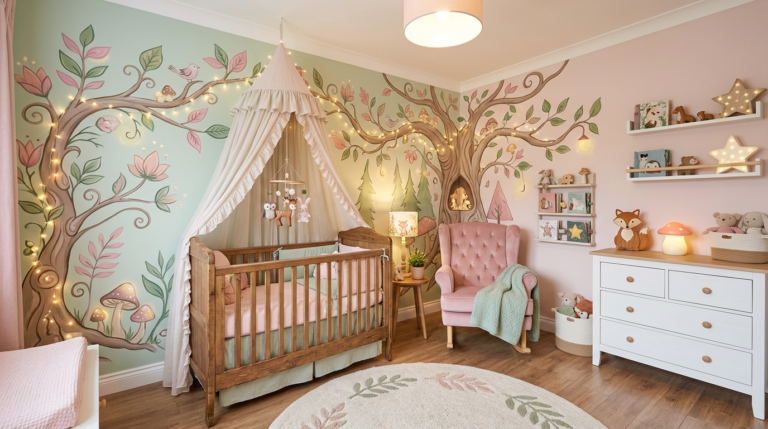
Transform your baby’s room into a fairytale wonderland with these whimsical DIY nursery ideas. Create a magical, imaginative space without breaking the bank.
Is your bedroom keeping you awake? Learn the critical layout, lighting, and decor mistakes to avoid if you want to optimize your space for perfect sleep.
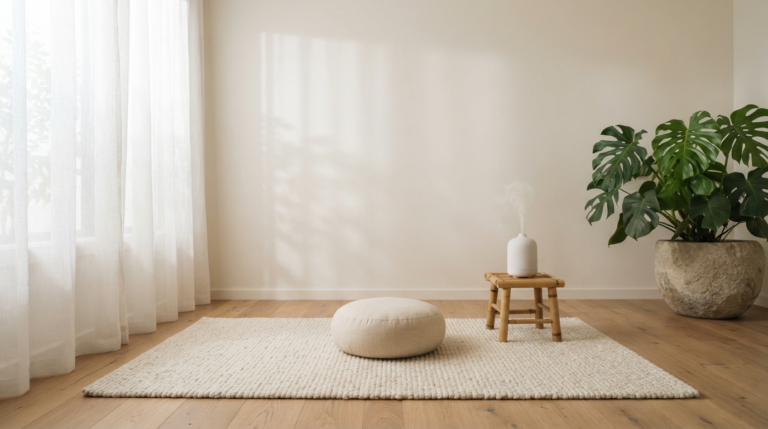
Discover how to transform any corner of your home into a tranquil wellness sanctuary. Follow this comprehensive step-by-step guide to minimalist relaxation.
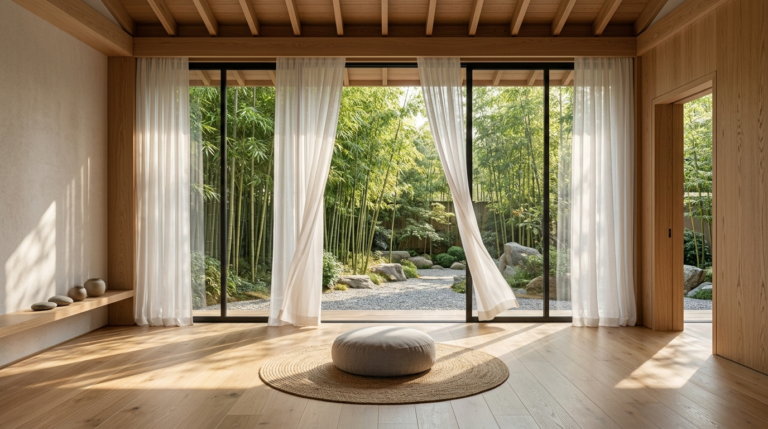
Transform your home into a restorative haven. Discover expert design tips for creating beautiful wellness spaces that promote peace, focus, and relaxation.
Discover the latest trends in bedroom design creating peaceful sanctuaries. From organic materials to warm color palettes, forecast the next big looks for personal spaces.